
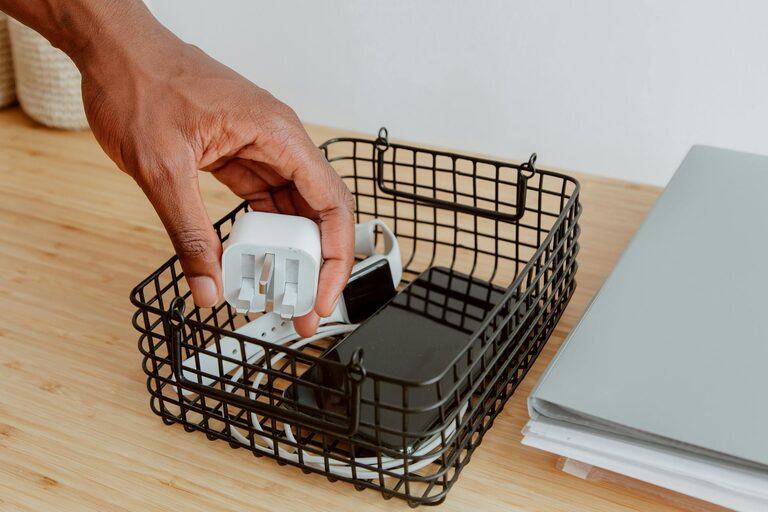
How to Organize Cables and Chargers Neatly: A Step-by-Step Guide
Keeping cables and chargers neat and organized can save you time, reduce clutter, and extend the life of your electronic devices. Whether at home or in the office, a clean setup helps you find what you need quickly and prevents damage caused by tangled or improperly stored cords. In this guide, we’ll walk you through practical tips and clever solutions to organize your cables and chargers with ease.
Why Organize Your Cables?
Before diving into the methods, it’s useful to understand why organizing cables matters:
– Prevents Tangling and Damage: Tangled cables can cause internal damage and reduce their lifespan.
– Saves Time: Easily find the charger or cable you need without rummaging through a mess.
– Creates Workspace Order: A neat area makes work or leisure more pleasant and productive.
– Improves Safety: Organized cables reduce tripping hazards and avoid overheating from crowded power strips.
Now let’s explore the best ways to handle your cables systematically.
Step 1: Gather and Sort Your Cables
Start by collecting all cables and chargers from around your home or desk area. Put them in one place and sort by type or use, for example:
– Charging cables (phone, tablet, laptop chargers)
– Audio cables (headphones, speakers)
– Computer and accessory cables (USB, HDMI, power cords)
– Miscellaneous cables
Decluttering at this stage helps identify cables you no longer need or use. Consider recycling or donating extra cables in good condition.
Step 2: Label Your Cables
Labeling cables makes it quick to recognize them later. You can use:
– Small adhesive labels or tags
– Washi tape with marker writing
– Pre-made cable labels available online or at stores
Write down the device or purpose, such as “iPhone charger,” “Printer USB,” or “Speaker AUX.” This simple step prevents confusion and saves time.
Step 3: Use Cable Management Tools
There are many tools designed to keep cables neat and tangle-free:
Cable Ties and Velcro Straps
Reusable Velcro straps or cable ties bundle cables together and prevent them from sprawling.
– Bundle long cables in loops about 6–8 inches in diameter.
– Secure cables individually or grouped by function.
– Avoid tying too tightly to prevent damage.
Cable Sleeves and Tubing
For multiple cables running on the floor or desk, cable sleeves help keep them consolidated in one neat bundle. Flexible tubing is another way to protect and hide cables.
Cable Clips and Holders
Stick-on cable clips are great for holding cables in place on desks or walls, preventing them from slipping off edges.
Cable Boxes and Organizers
Use cable management boxes to hide power strips and excess cable length. They keep everything concealed and reduce dust accumulation.
Step 4: Create a Charging Station
Designate an area for charging devices to keep chargers and cables contained and organized:
– Use a tray, box, or drawer with dividers to separate chargers.
– Employ a multi-port USB charger to reduce the number of cables and outlets needed.
– Use cable clips or holders inside drawers to keep cables tidy.
– Keep frequently used chargers accessible, and store others away.
Step 5: Maintain Your Cable Organization
Keeping cables organized is an ongoing task but easy with some habits:
– Regularly check and declutter cables you no longer need.
– Always coil cables properly after use.
– Label any new cables immediately.
– Adjust your cable setup if you add new devices.
Bonus Tips for Cable Organization
– Use short cables where possible to reduce slack.
– Wrap cables with rubber bands or twist ties for short-term storage.
– Color-code your cables with colored tape or sleeves for a quick visual reference.
– Ensure cables are not bent sharply near connectors to prolong their life.
– Consider wireless charging and Bluetooth accessories to reduce cable clutter.
Conclusion
Organizing your cables and chargers neatly is a simple process that can have a major impact on your daily routine. By sorting, labeling, using the right tools, and creating a dedicated charging area, you’ll enjoy a clutter-free space and hassle-free device management. Take a little time today to start your cable organization journey—you’ll thank yourself every time you plug in!
—
Ready to take control of your cables? Start with these steps and see how much easier life is with a tidy tech setup!